Drill Mode
A safety drill that accounts for every student, live.
Start a drill from the dashboard and every teacher's screen takes over instantly. Accountability, timing, and a compliance report happen without anyone touching a stopwatch.
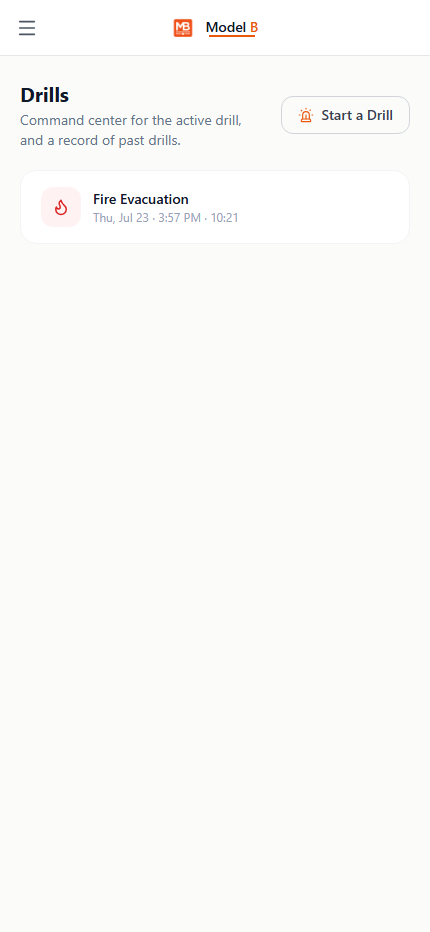
Drill in progress · Evacuate (Fire)
Drill Mode
Sample view
Command center182 of 214 accounted for. By class, missing names listed.
Teacher screenRoom 108 checked in. Self-check plus roster tap.
CompleteNew record time. Fastest drill yet this year.
What it does
One button. Whole-school accountability. A report at the end.
Whole-school takeover
Starting a drill instantly swaps every teacher and staff screen to the drill interface, live, mid-session.
SRP-aligned, not generic
Hold, Secure, Lockdown, Evacuate, and Shelter drill types with the right hazard context for each.
Ends in a real report
Every drill closes out with an auto-generated compliance report, stored and downloadable later.
Why schools trust it
Compliance that doesn't rely on someone remembering.
Nobody has to remember to run one
An admin-only compliance card tracks how close the school is to its monthly requirement.
Accountability, not guesswork
Live per-class and per-role progress with missing names, visible to admin in real time.
Celebrates the right thing
A record-time drill gets a real, on-screen moment. The hazard itself is never the joke.
Works for substitutes too
Substitutes covering a room get their own equivalent drill screen, even without a full staff login.
Drill Mode ships inside Model B.
Part of the front office & safety suite: Absence Management and Substitute Portal.